Changelogs
Stay up to date with the latest changes and enhancements.
Stay up to date with the latest changes and enhancements.

19. Nov 2025
Share
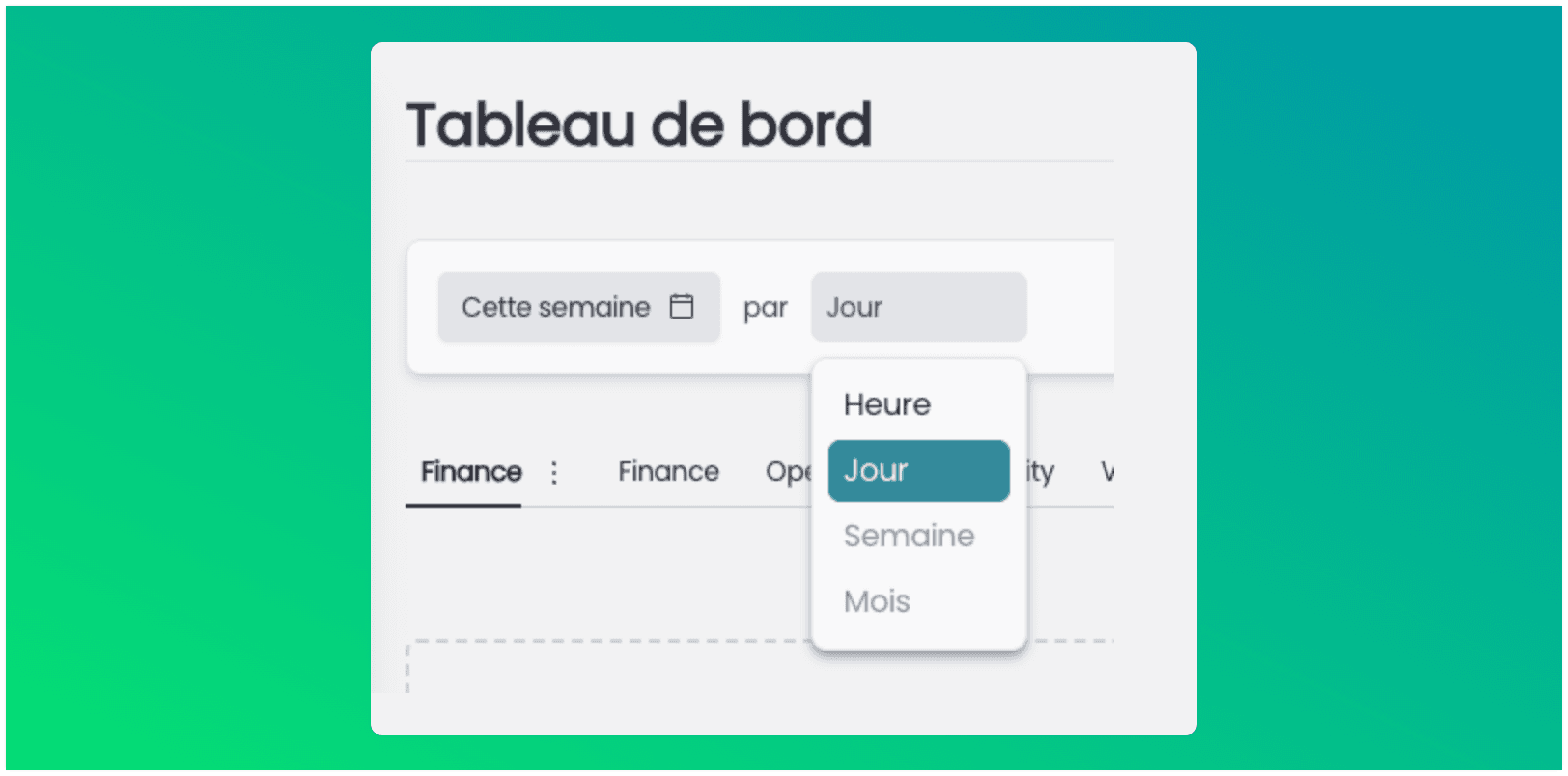
You can now filter your dashboard data by a specific period.
 Click on the date selector at the top of the dashboard, choose a range (for example from the 1st to the 14th of the month) then confirm.
 You can then choose the level of detail for the display: by hour, by day, by week, or by month.
 Perfect for analyzing your calls and appointments over a targeted period (busy day, week, month, etc.).